> ## Documentation Index
> Fetch the complete documentation index at: https://tomee-mintlify-e90513e1.mintlify.site/llms.txt
> Use this file to discover all available pages before exploring further.
# Analyze documentation searches
> Review documentation search analytics to track query volume, spot searches returning no results, and improve result click-through rates.
Analytics require a [Pro or Enterprise plan](https://mintlify.com/pricing?ref=analytics).
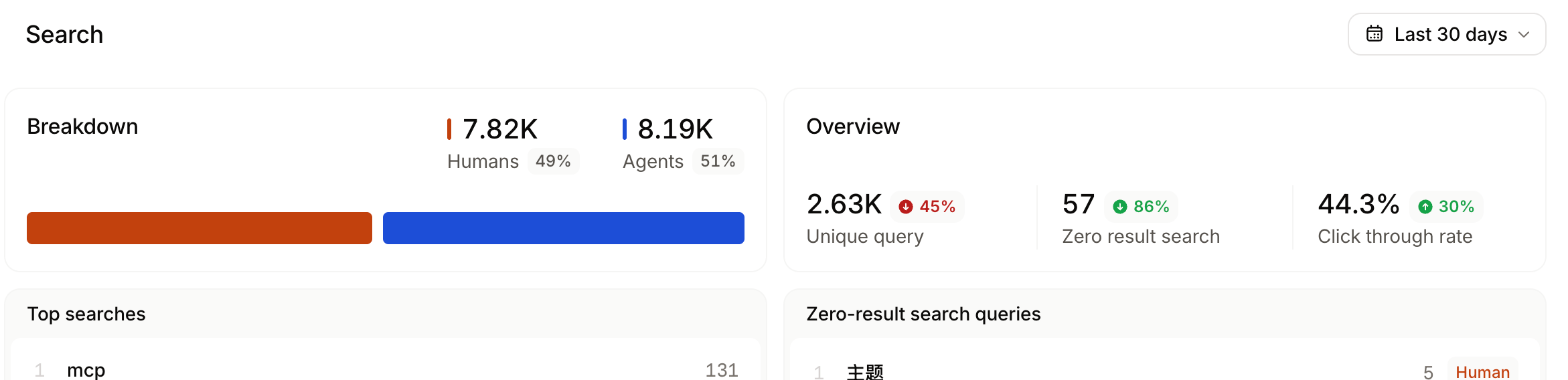
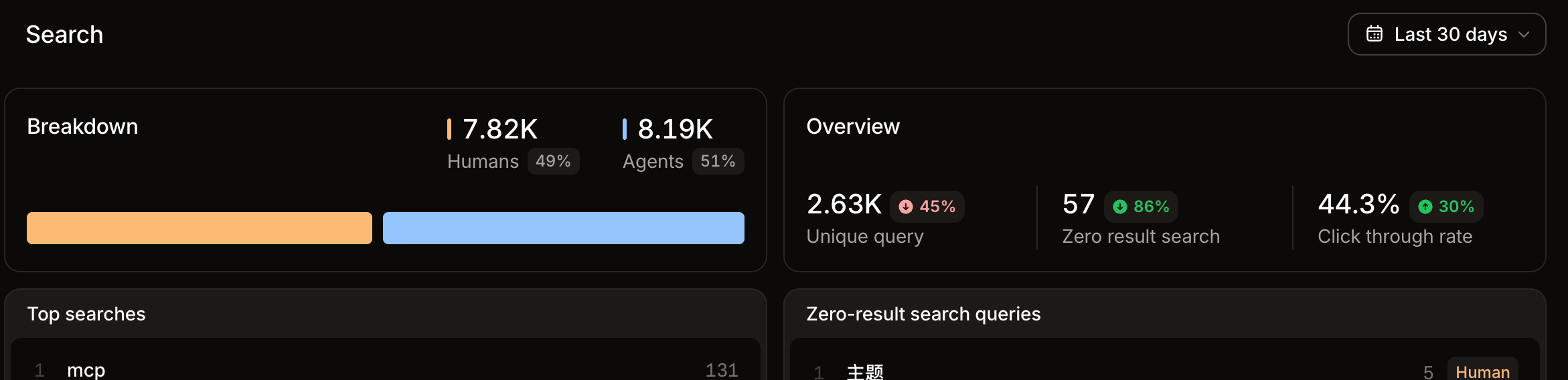
The **Search** view of the [analytics](https://app.mintlify.com/analytics) page displays search volume, queries with no results, and click-through rates.
Review search analytics to:
* **Monitor search trends**: Observe changes in search queries to understand how users find your content and which topics they want information about.
* **Identify frequent queries**: Use frequent queries to understand which topics are most important to users. Identify gaps in coverage and prioritize content updates.
* **Identify low click-through rates**: Click-through rates (CTR) show how many users click a search result after typing a query. A low CTR can indicate that the search results are not relevant to users' queries. For frequent search terms with a low CTR, improve the relevance of search results by adding keywords or updating your content.